Contents of the guide
Buy a license and activate it
Buy Flopscope one time, copy the license key from your receipt, and paste it into the License window. Flopscope then stays unlocked on that Mac.
Buy
- In Flopscope, choose Flopscope → Buy Flopscope… in the menu bar. Or open the store page from this site.
- Pay on the store page. The store is Gumroad.
- Gumroad sends a receipt by email. It holds your license key. You also find the key in your Gumroad library.
Activate
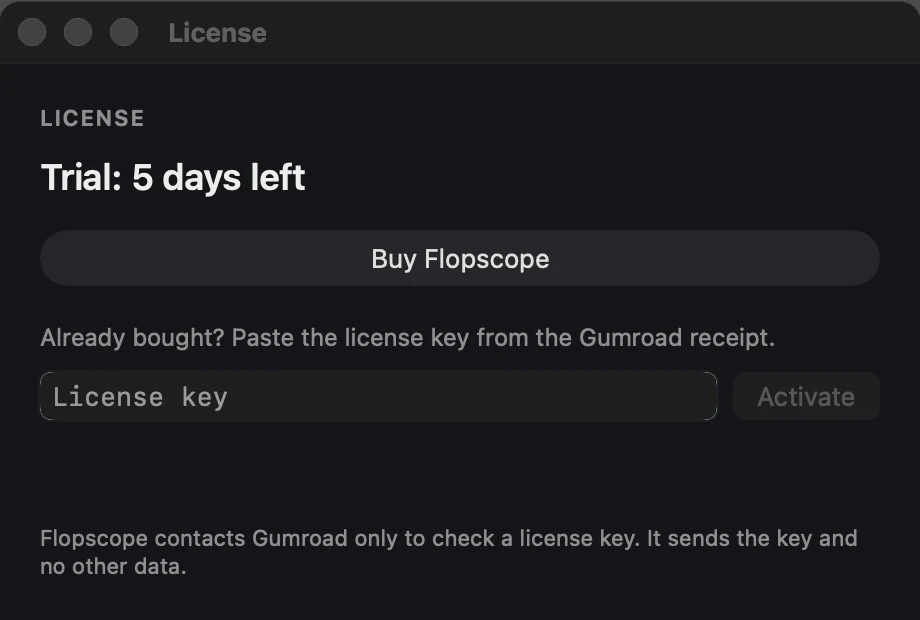
- Choose Flopscope → License… in the menu bar. During the trial you can also click the days left at the top of the main window.
- Paste the key into the License key field.
- Click Activate.
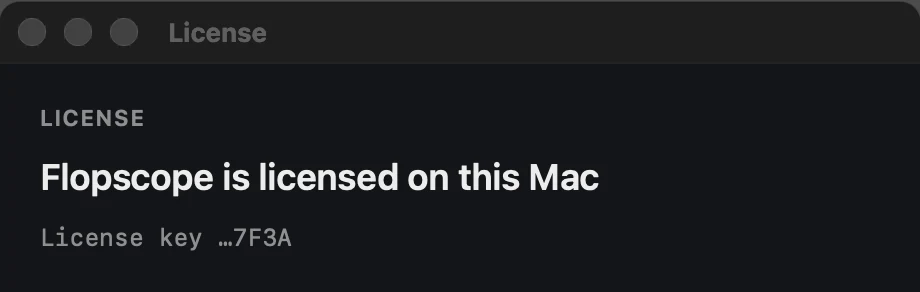
Flopscope asks Gumroad if the key is good. It sends the key and no other data. Then it says “Thank you. Flopscope is licensed on this Mac.”
After the trial has ended
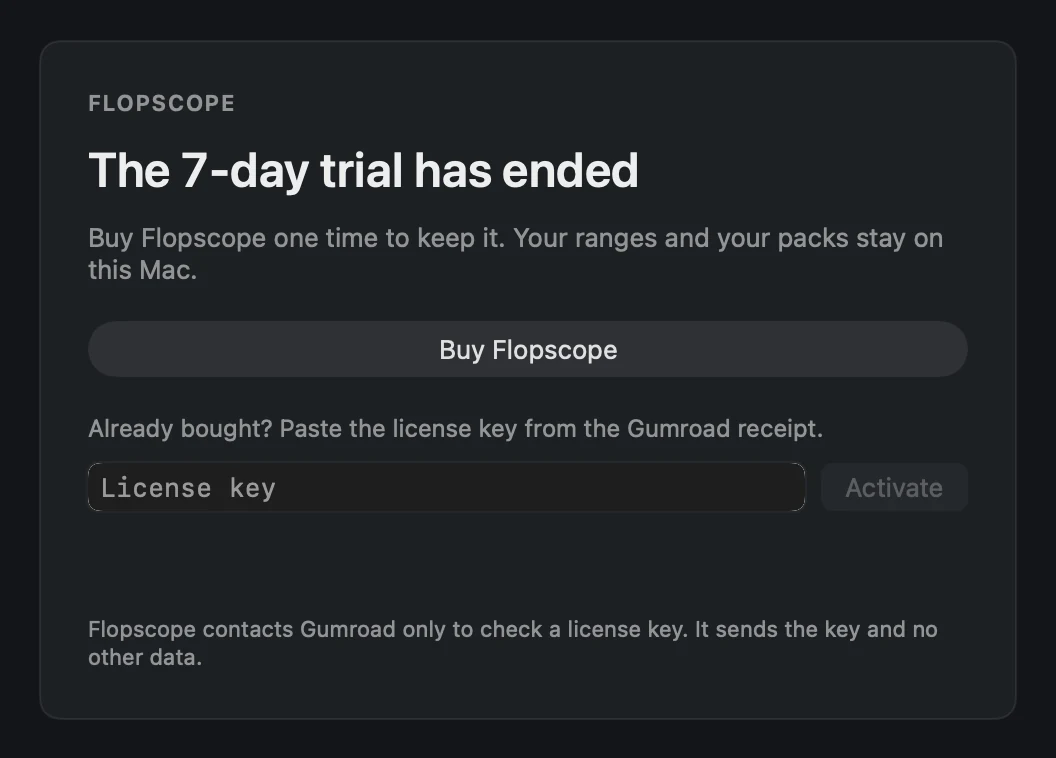
After day 7, the two windows show the same form. Paste the key there and click Activate. Your ranges and your packs are still there.
Good to know
- One key, up to 5 Macs. Each activation counts one. A new Mac uses one more.
- One later check. At a start 15 days or more after the activation, Flopscope asks Gumroad one more time. Then it never contacts Gumroad again.
- A refund removes the license at that later check. No answer from Gumroad or no connection changes nothing.
- A message about the key? See Fix a problem.