Contents of the guide
Install Flopscope and start the trial
Download the disk image, drag Flopscope into Applications, and open it. The free 7-day trial starts at once, with no account.
Before you start
- macOS 15 or later, on a Mac with Apple Silicon or Intel.
- An internet connection for the download. The trial itself works offline.
Install
- Click Download at the top of this page. Your browser saves the Flopscope disk image, a file that ends in
.dmg. - Open the file. A window shows Flopscope and a link to Applications.
- Drag Flopscope onto Applications.
- Eject the disk image: in Finder, click the eject button next to it in the sidebar.
- Open Flopscope from Applications, Launchpad or Spotlight.
macOS may ask if you’re sure you want to open an app from the internet. Click Open. Flopscope is notarized by Apple, so this is the normal question at the first start of a downloaded app.
At the first start
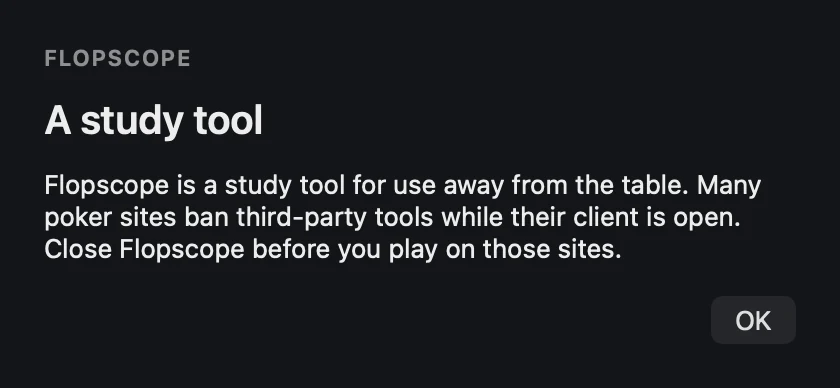
A short notice says that Flopscope is a study tool. Click OK or press Return.
It shows one time. You can read it again in Flopscope → About Flopscope.
The trial
- The trial is the full app for 7 days, from the first start.
- The days count also while Flopscope is closed.
- The top of the main window shows the days left, for example “Trial: 5 days left”. Click it to open the License window.
- The trial needs no account and no internet connection.
- After day 7, Flopscope asks for a license key. Your ranges and your packs stay on your Mac. See Buy and activate a license.